
Download the YonoRummy App
The latest YonoRummy APK installs in seconds, weighs a fraction of a typical casino build and runs smoothly on mid-range Android phones. One download opens all six rooms — rummy tables, slots, live salons, fishing decks, instant games and the sports corner.
18+ only · Play responsibly · Gambling involves financial risk
Install the YonoRummy APK in Six Steps
The whole sequence takes most players under three minutes on a normal mobile connection. Android will show a security prompt during the process — that is expected for any app installed outside the Play Store, and step three explains exactly what to do with it.
Tap a download button
Any "Download APK" or "Play Now" button on this site takes you to the official source. Do not install a YonoRummy app file that was forwarded to you in a chat, posted on a file-sharing site or sent by someone you do not know — modified APKs are the most common way accounts and devices are compromised.
Let the download finish
Your browser may warn that this file type can harm your device. That warning appears for every APK regardless of source; tap "Download anyway" or "OK" to continue. Keep the phone unlocked until the file completes — on a slow connection it can take a minute or two.
Allow installs from your browser
On Android 8 and above the permission is per-app: go to Settings → Apps → Special access → Install unknown apps, select the browser you downloaded with, and enable "Allow from this source". On older versions the switch is Settings → Security → Unknown sources. You can turn the permission off again after installing.
Open the file and install
Tap the downloaded file from your notification tray or your Downloads folder, then tap Install. Installation itself takes a few seconds. If Play Protect asks to scan the app, allow it — that check is a safeguard, not an obstacle.
Register your account
Open the app and register with an Indian mobile number. You will receive a one-time password by SMS. There is no email chain and no document upload at this stage — verification only becomes relevant when you request your first withdrawal, though completing it early is strongly recommended.
Deposit, claim and play
Make your first deposit through UPI, net banking or a supported wallet. The ₹10,000 welcome bonus is credited immediately. Read the wagering terms once inside the promotions section so you know exactly how it unlocks, then take a seat at any of the 105 titles available.
Device & Platform Requirements
The app is deliberately light. If your phone can run a messaging app and stream video, it can run YonoRummy Game.
| Requirement | Minimum | Recommended |
|---|---|---|
| Operating system | Android 5.0 (Lollipop) | Android 9.0 or newer |
| RAM | 2 GB | 3 GB or more |
| Free storage | 150 MB | 500 MB (room for updates and cache) |
| Screen | 720 × 1280 | 1080 × 2160 or higher |
| Connection | 3G | 4G, 5G or Wi-Fi — essential for live dealer tables |
| Permissions | Storage, network | Notifications for promo and payout alerts |
| iPhone / iPad | No installable app — play the identical library in Safari or Chrome, no installation needed | |
| Windows / Mac / PC | Play in any modern desktop browser with the same account, wallet and history | |
Android — the full app
The installable APK gives you the fastest lobby, push notifications for promotions and payouts, and the smoothest live-table streaming. This is the recommended way to play if you are on Android.
iPhone & desktop — the browser
There is no separate iOS build. Open the platform in Safari, Chrome or any modern browser and the entire library, wallet, bonus balance and game history are identical. You can add it to your home screen for an app-like launcher.
Updating the app
The app checks for updates on launch and prompts you when a new build is available. You can also reinstall the latest APK over the top of your existing installation — your account, balance and history are stored server-side and are never affected.
Screens from the Latest Build
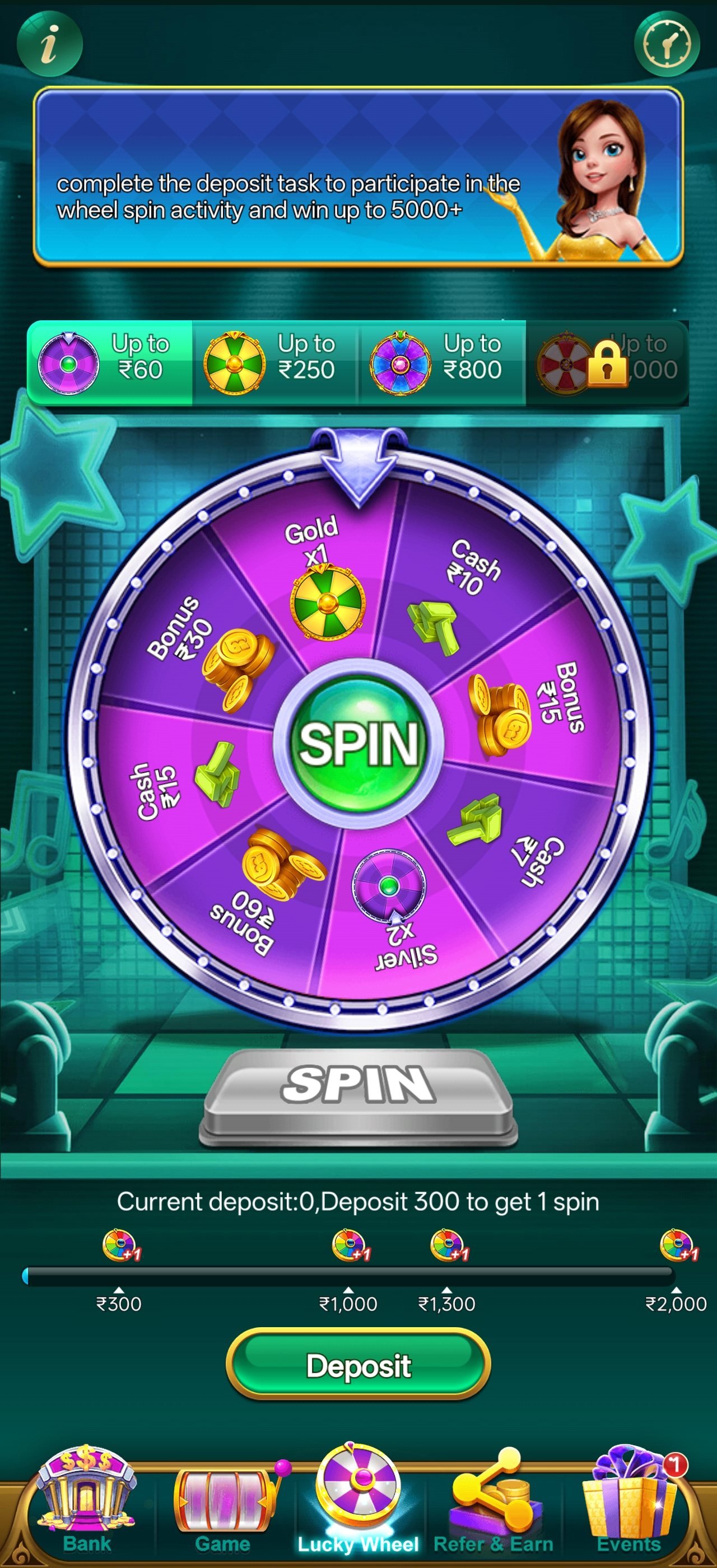
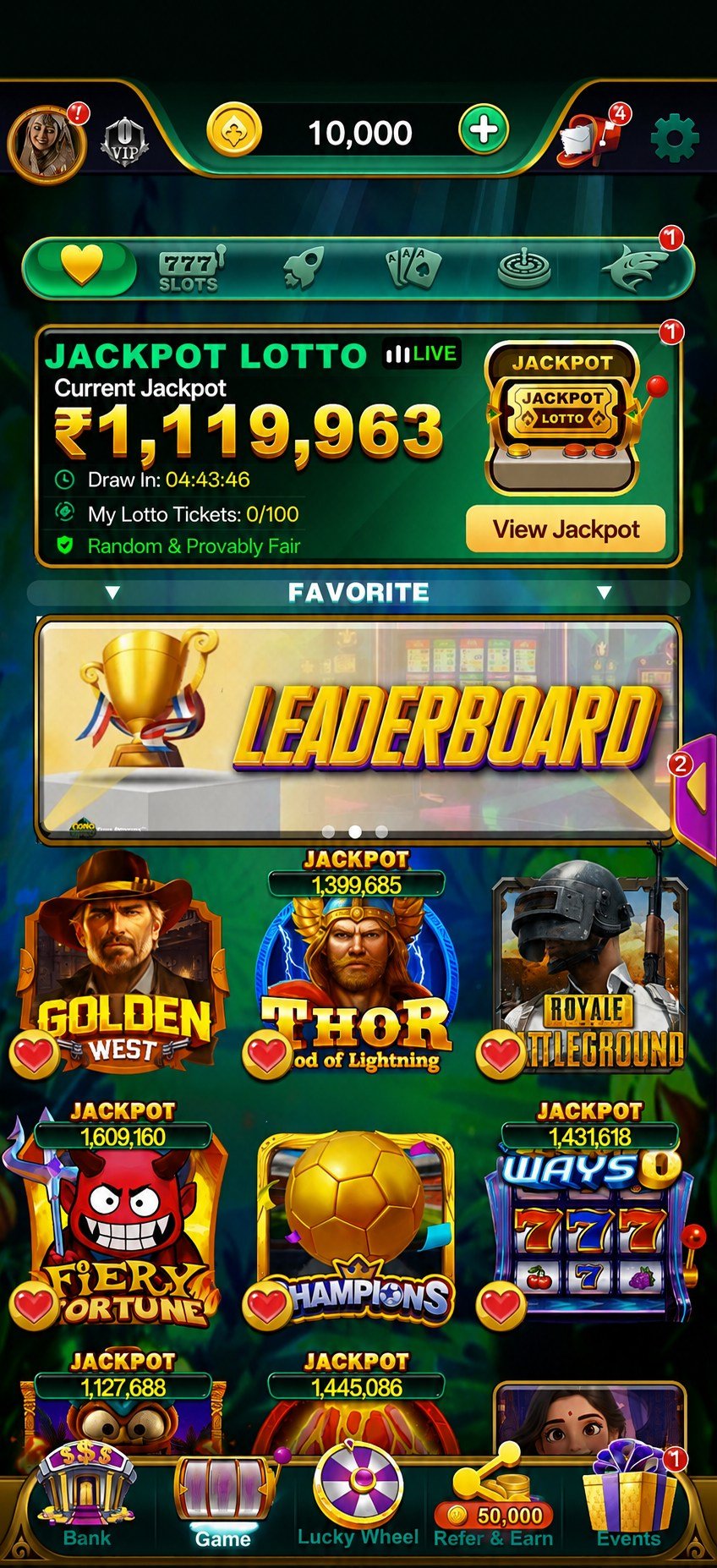
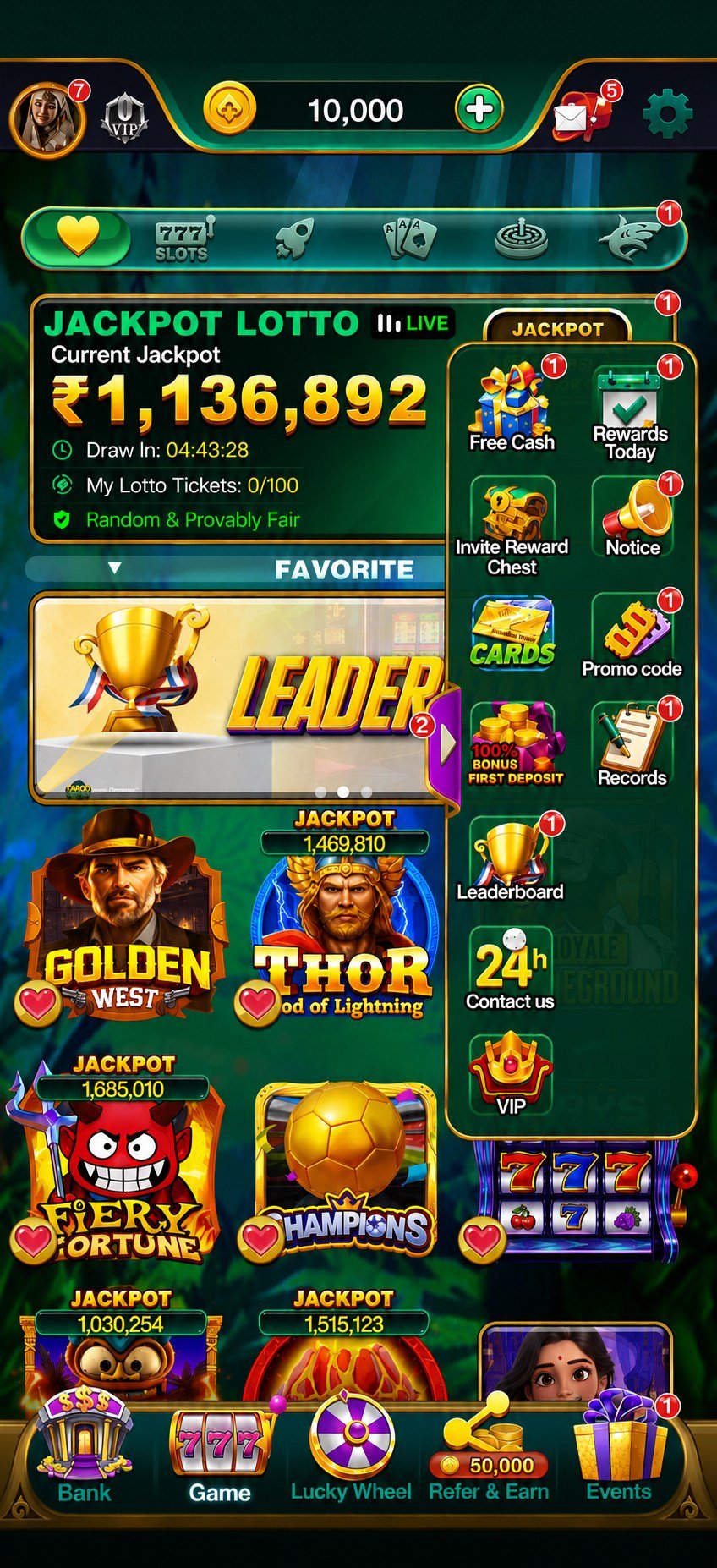
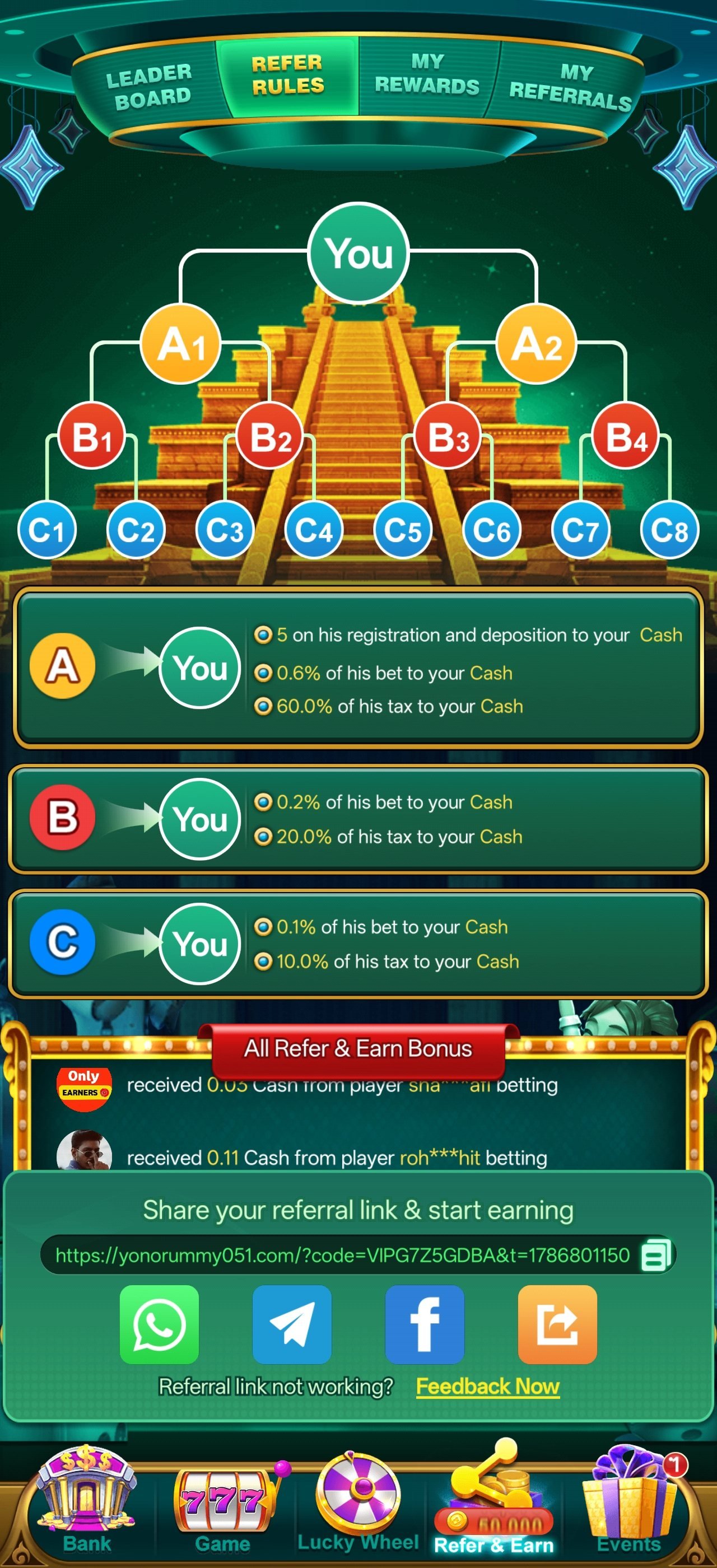
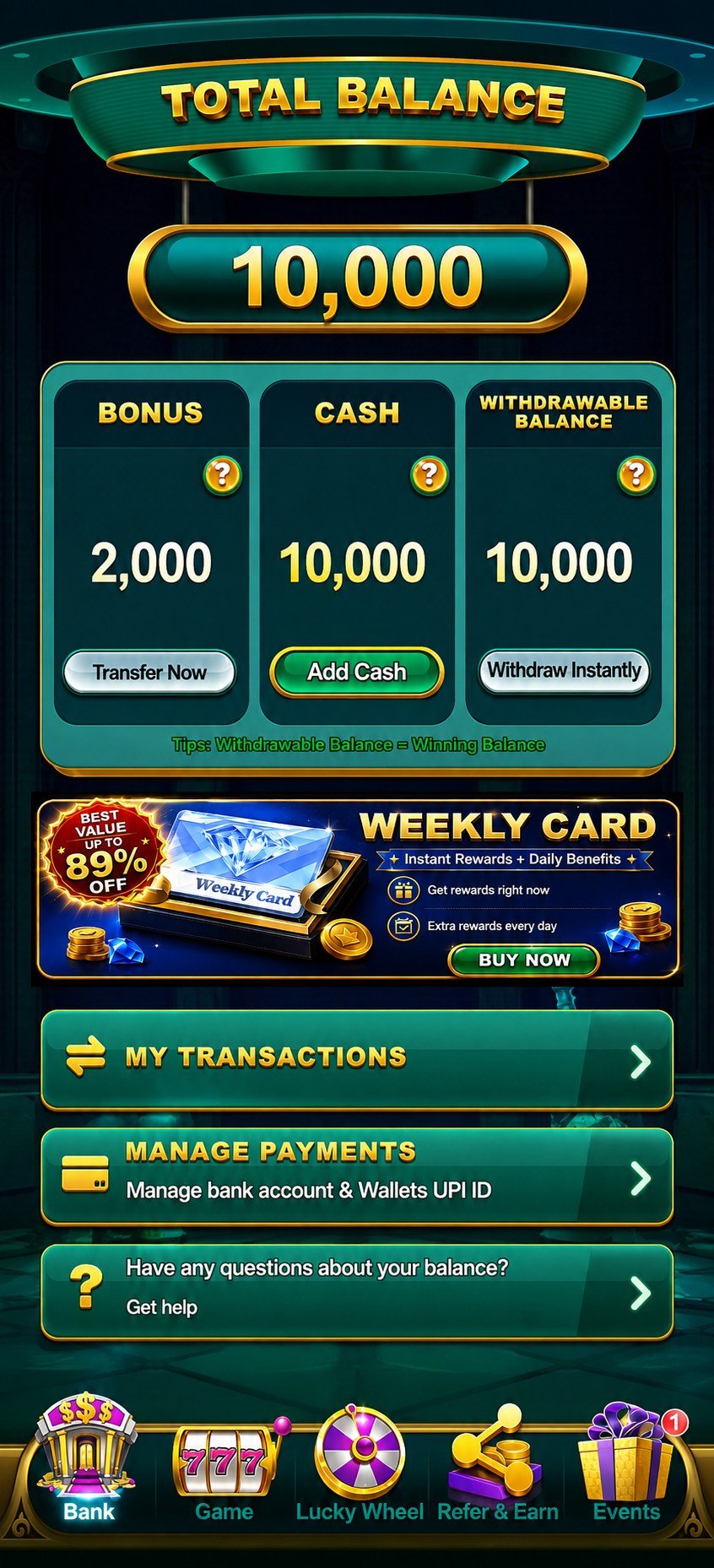
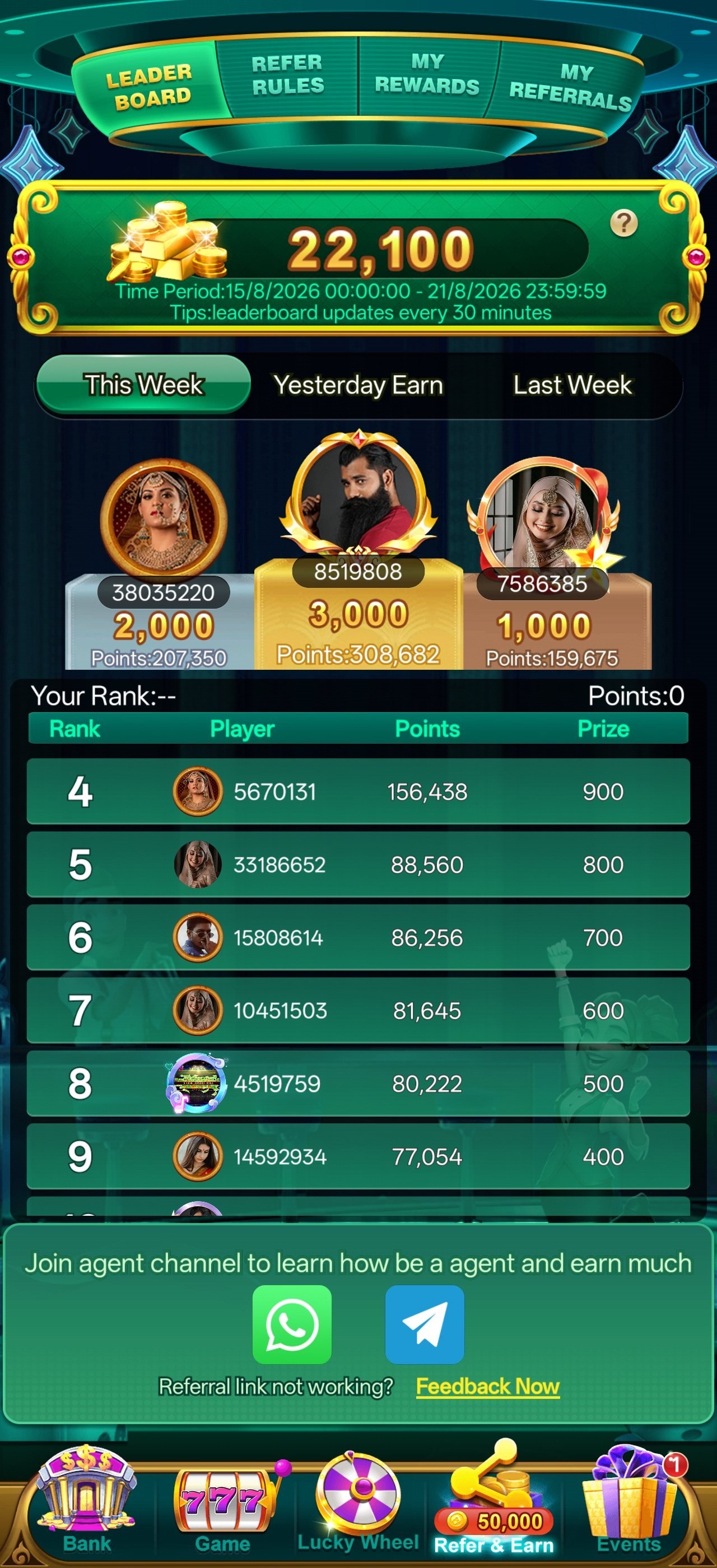
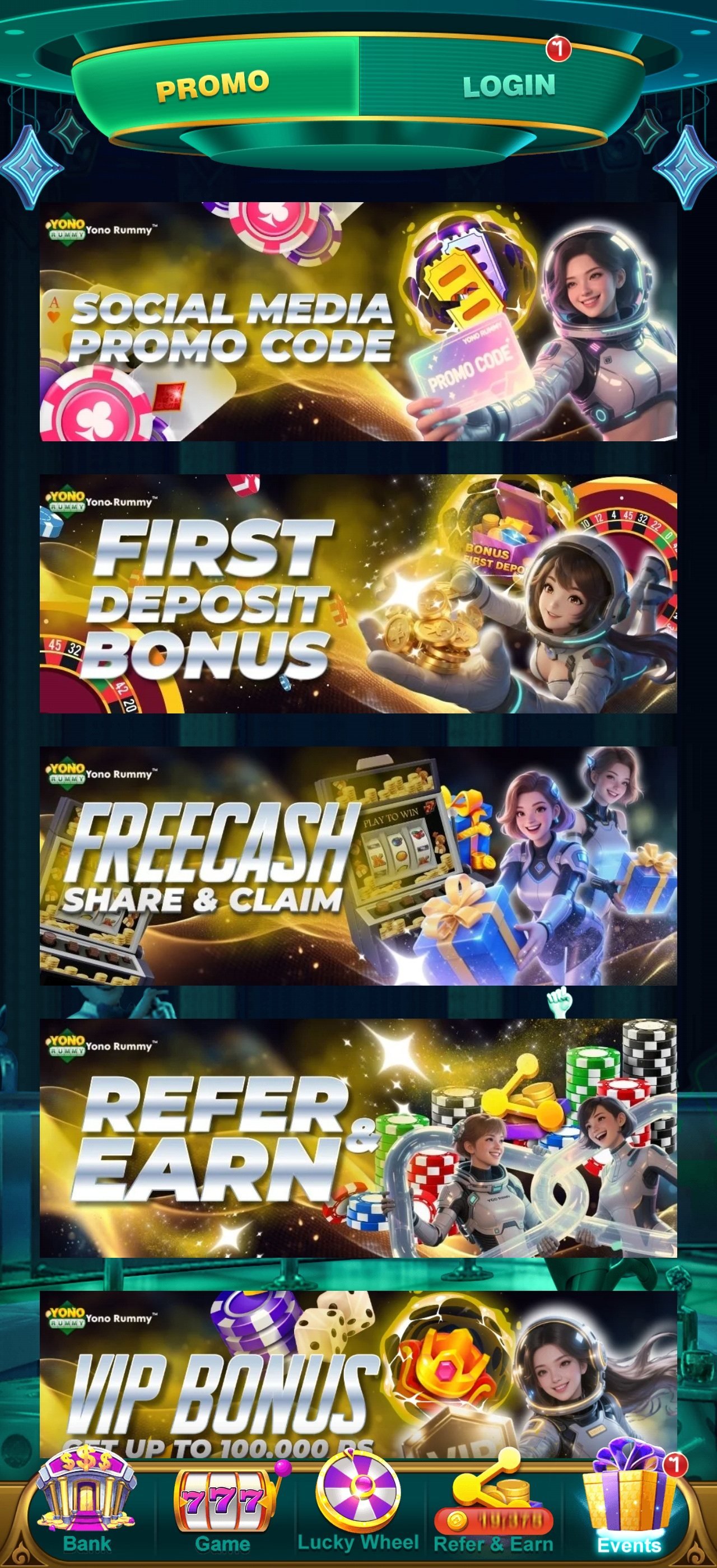
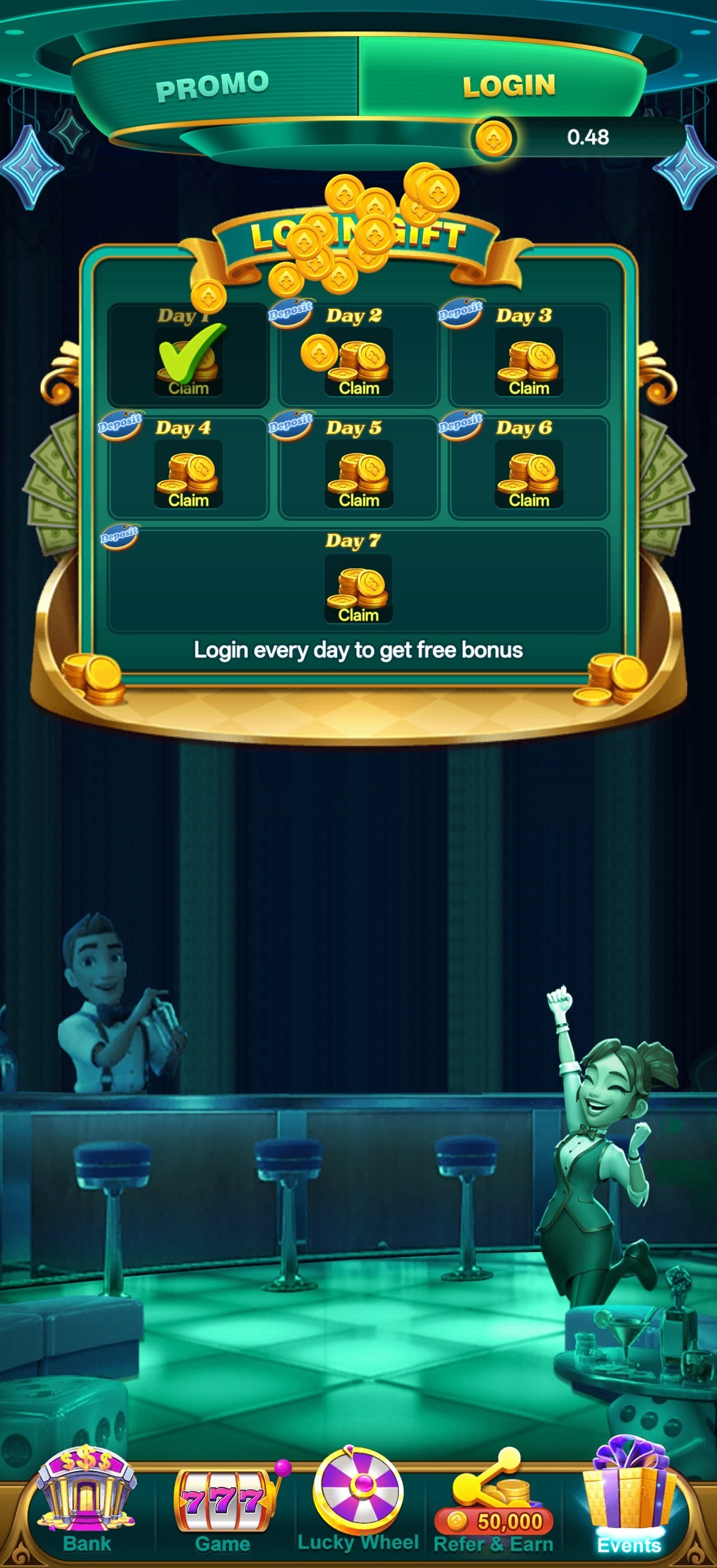
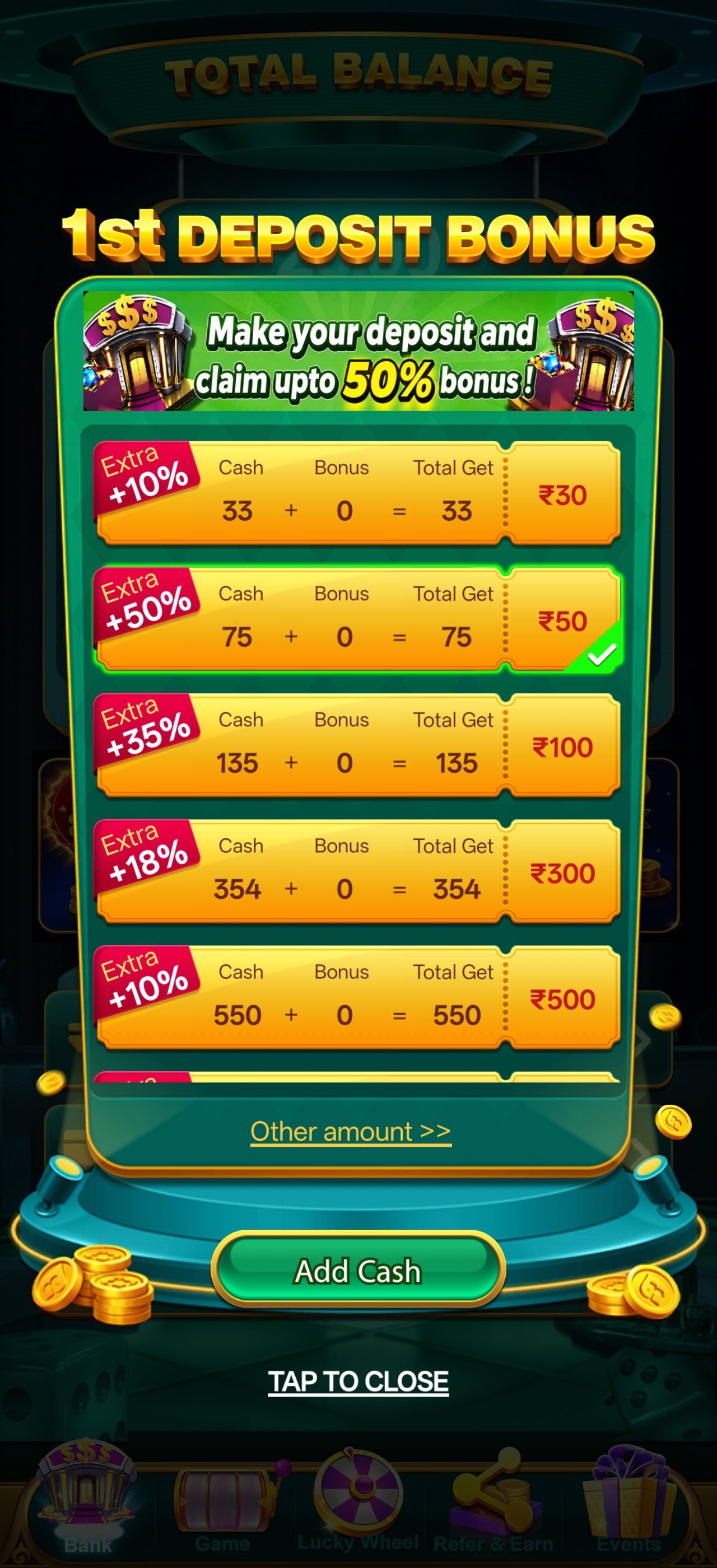
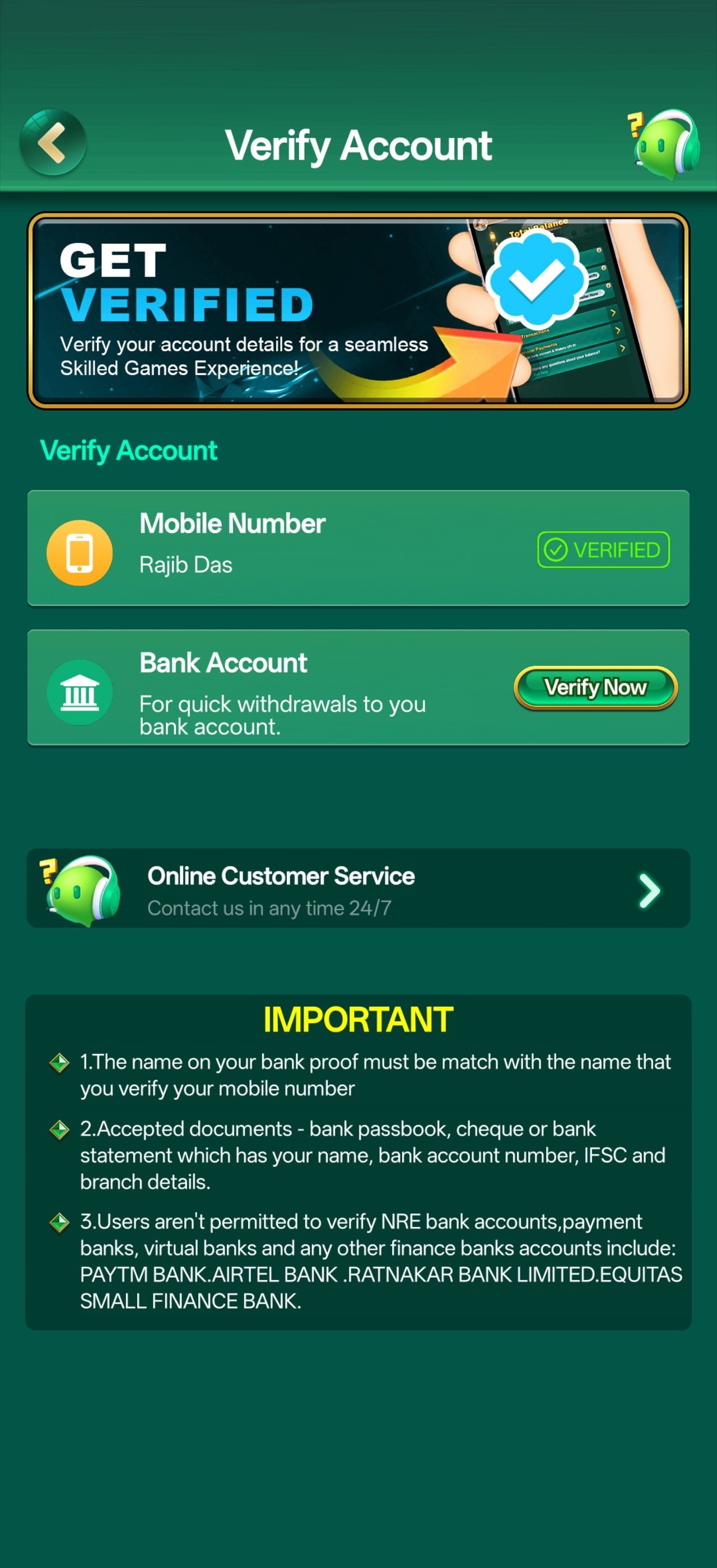
The lobby, the lucky wheel, the rewards desk, the wallet and the tables — real screens from the current YonoRummy APK. Tap any screen to open it full size.
How to Tell a Real APK from a Fake One
Any app distributed outside an official store can be repackaged by a third party, and gaming apps are a common target because they touch payment details. None of this is a reason to avoid installing an APK — it is a reason to install carefully. Four checks cover almost every risk.
- Download from a link you navigated to yourself. Start from this site or from the operator's own page. Never install a file forwarded in a chat group, attached to an email or hosted on an unrelated download portal.
- Check the app name and icon after installing. The installed app should carry the YonoRummy name and logo exactly as shown on this site. A near-miss spelling or a different icon means you have the wrong file — uninstall it immediately.
- Let Play Protect scan it. Android offers to scan new installs. Allow the scan. It costs a few seconds and catches known repackaged builds.
- Watch the permissions. The app needs storage and network access. It does not need your contacts, your SMS archive, your call log or your camera roll. An install requesting those is not the genuine build.
One more habit worth forming: turn "install unknown apps" back off once you have finished. It takes ten seconds and closes the door behind you.
Quick Install Checklist
- Downloaded from official link✓
- App name matches exactly✓
- Logo matches this site✓
- Play Protect scan allowed✓
- Only storage & network permissions✓
- Unknown-source access re-disabled✓
- KYC completed early✓
- Deposit limit set✓
What to Do in Your First Ten Minutes
A short checklist that saves most new members a support ticket later.
1 · Complete KYC now
Do it on a calm evening rather than on the day a payout is waiting. Verification usually finishes within the hour, and once it is done every later withdrawal can be released automatically instead of queueing behind a manual review.
2 · Set a deposit limit
Decide what a month of play is worth to you and set the limit before your first deposit, not after. A limit set while you are calm is worth far more than one set while you are chasing a loss.
3 · Read the bonus terms
Open the promotions section and read the wagering multiplier and the category contribution table once. Two minutes now prevents the most common misunderstanding on the whole platform.
4 · Test the full cycle
Deposit a small amount, play a few rounds, then withdraw. Completing the whole loop once with money you do not mind risking tells you more about a platform than any review.
5 · Try demo mode
Most slots and instant games offer a free practice mode. Use it to learn where the feature triggers sit before you stake anything. You are buying information, not outcomes.
6 · Join both channels
Save the help desk for problems and the club channel for promotions. Having both saved before you need them is worth the thirty seconds.
Download & Install FAQ
The install problems the help desk sees most often, and how to clear each of them.
This is almost always the unknown-source permission. Go to Settings → Apps → Special access → Install unknown apps, find the browser you downloaded with, and enable "Allow from this source". If that is already on, check your free storage — Android silently fails an install when space is tight. If neither is the cause, delete the file and download it again; a partial download will not install.
Yes. Android shows that warning for every application installed outside the Play Store, regardless of what it is or who made it. It reflects the distribution method, not the file. Confirm you downloaded from an official link, allow Play Protect to scan the app, and check that the installed name and logo match exactly what you see on this site.
Three usual causes. First, an older or differently-signed copy of the app is already installed — uninstall it completely and try again. Second, storage is full; clear a few hundred megabytes. Third, the download was interrupted and the file is incomplete; delete it and download again on a stable connection.
There is no installable iOS app. iPhone and iPad users play the identical library through Safari or Chrome with no installation at all — same account, same wallet, same bonus balance, same game history. You can add the page to your home screen so it opens like an app.
No. The download, the installation and account registration are all free. You only spend money if and when you choose to deposit into your wallet, and many titles offer a demo mode you can explore before depositing anything at all.
The app checks on launch and prompts you when a newer build is available. You can also simply download the latest APK again and install it over your existing copy — there is no need to uninstall first, and your account, balance and history live on the server rather than on the device, so nothing is lost. New releases are announced on the club channel.
No. Your account, wallet balance, bonus balance and game history are all stored server-side and tied to your registered mobile number. Install the app on the new device, log in with that number and an OTP, and everything is exactly where you left it.
Close background apps to free memory, clear the app cache from Settings → Apps → YonoRummy → Storage, and make sure you are on the latest build. Live dealer tables stream video and need a stable connection — if only live tables are stuttering, switch to Wi-Fi. If problems persist, message the help desk with your device model and Android version.
Storage, so it can cache game assets and save downloads, and network access, so it can connect. Notifications are optional and only used for promotion and payout alerts. It does not need your contacts, SMS archive, call log or camera roll — an install requesting those is not the genuine build and should be removed.
Yes. The full library runs in a mobile or desktop browser with no installation. The app is faster and adds push notifications, but nothing in the game catalogue is exclusive to it.